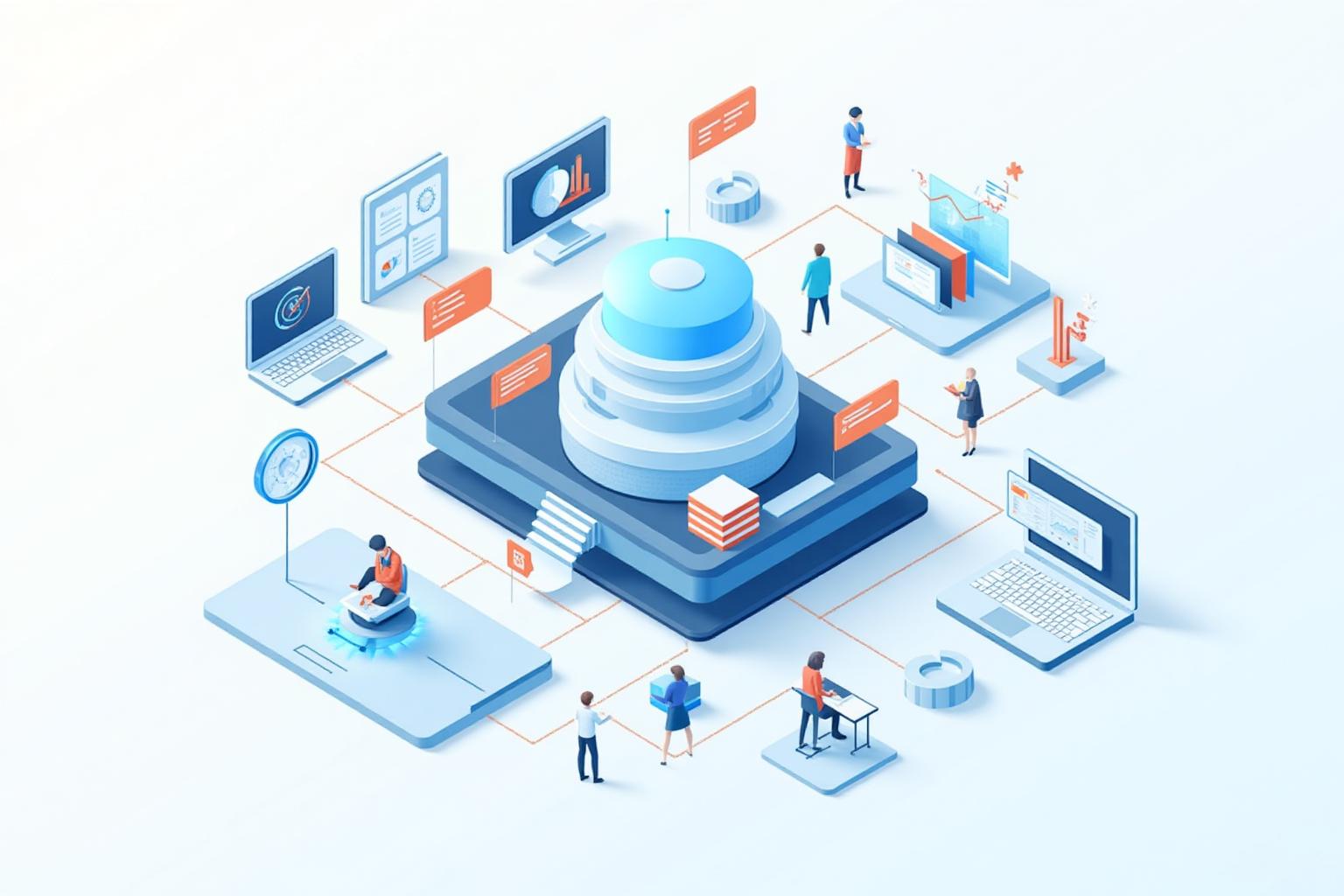
Most SMEs do not have a “sales problem”. They have a visibility problem.
Leads arrive from multiple places. Conversations happen in email, WhatsApp, LinkedIn, and inboxes. Quotes are sent from different templates. Follow-ups depend on memory. Deals stall for reasons no one can clearly explain. Reporting is partial at best, misleading at worst.
This is exactly what a CRM is supposed to solve. A properly configured CRM creates clarity, control, and repeatable performance. It becomes the backbone of predictable growth.
Yet most SMEs buy a CRM and never set it up properly. The system becomes cluttered, confusing, and hard to trust. Adoption drops. Data decays. Teams go back to spreadsheets and “just message me when it’s urgent”.
💡 Key Insight: A CRM is not a tool you “install”. It’s a system you design. If you don’t design it around how your business actually sells and serves customers, it will always become an expensive address book.
This article shows SMEs how to set up a CRM correctly - not as software, but as a customer management system that scales. You’ll learn the core components of a scalable CRM (pipelines, stages, automation triggers, lead scoring, segmentation, reporting, and workflow design) using the GTi CRM Blueprint.
The goal is simple: build a CRM that your team actually uses, that leaders can trust, and that improves conversion, retention, and visibility quarter after quarter.
Why Most SME CRMs Fail
SMEs rarely fail at CRM because they chose the wrong brand of software. They fail because the CRM was never given a clear job to do inside the business.
When a CRM is treated as “a place to store contacts”, it quickly becomes messy. When it’s treated as “management reporting”, it becomes a policing tool. When it’s treated as “something sales should update”, it becomes a chore.
CRMs fail when they are implemented reactively. A sales issue appears, so fields get added. A follow-up issue appears, so automations are bolted on. Reporting is requested, so dashboards multiply. Complexity grows without structure.
❌ Common Mistake: Over-customising the CRM before adoption is proven. Most SMEs build a “perfect” CRM that nobody uses, then blame the tool when the real issue is design and behaviour.
The symptoms are consistent:
Pipelines contain deals that have been “active” for months with no next step
Stages are subjective (“hot”, “warm”, “interested”) so forecasting becomes fiction
Tasks and reminders are inconsistent, so follow-up leakage increases
Automation fires at the wrong time, sending irrelevant messages
No one trusts reports, so leaders stop using the CRM for decisions
A CRM should reduce complexity and dependency on individuals. Poor CRM setup does the opposite - it increases friction and makes performance less predictable.
What a CRM Must Do in a Scalable SME
A scalable CRM is not just a sales tool. It is the coordination layer between marketing, sales, service delivery, and retention.
At any moment, your CRM should be able to answer five operational questions:
Where did this lead come from?
What stage are they in right now?
What needs to happen next?
Who owns the next action?
What happens if nothing happens?
⚡ Important: If your CRM cannot reliably drive “next actions” and enforce follow-up, you don’t have a CRM system. You have a database. Databases don’t scale performance - they scale confusion.
This is why CRM setup is an operations task as much as a sales task. It defines how the business behaves with leads and customers - not just what the business knows about them.
The GTi CRM Blueprint
At GTi, CRM setup is not treated as a technical project. It’s treated as operating system design.
A CRM should create clarity (what matters), rhythm (what happens when), and accountability (who owns it). That’s how predictable growth is engineered.
The GTi CRM Blueprint
Purpose & scope - define what the CRM must deliver and what it will not try to do
Pipelines & stages - map the customer journey into observable, measurable steps
Data model - structure leads, contacts, companies, and customers so lifecycle is visible
Workflows & triggers - automate consistency and enforce follow-up without spam
Lead scoring - prioritise effort by intent and fit
Segmentation - personalise follow-up, nurture, and retention based on lifecycle
Reporting - create a small set of dashboards that drive weekly decisions
Let’s break these components down in the order that makes adoption and scalability most likely.
Step 1: Define CRM Purpose and Scope
Most CRM implementations fail before they start because the purpose is never defined. The CRM becomes a dumping ground for “anything we might want later”.
Instead, define the CRM’s job in one sentence. Examples:
“Our CRM exists to ensure every lead gets followed up within 5 minutes and moved through a consistent sales process.”
“Our CRM exists to provide reliable pipeline visibility and improve conversion at each stage.”
“Our CRM exists to manage the full customer lifecycle from lead to retention and reactivation.”
Then define the boundaries. What will not live in the CRM? What will remain in finance systems, project tools, or support platforms?
Scalable CRM setup is about doing fewer things, better - not tracking everything.
Step 2: Build Pipelines That Reflect Reality
Pipelines are the engine room of CRM adoption. If your pipeline does not reflect how your sales process actually works, your team will ignore it.
The most common pipeline mistakes are:
Too many pipelines (created for every edge case)
One generic pipeline that does not match your sales motion
Stages based on opinion rather than observable events
⚠️ Warning: Subjective stages create subjective forecasting. If your stages are “warm lead” and “hot lead”, your pipeline reports are not data - they are feelings.
A good stage answers one question: “What is true about this deal right now?”
Examples of measurable stages include:
Lead captured
Contacted
Discovery booked
Discovery completed
Proposal sent
Decision pending
Won
Lost
For most SMEs, you should start with one primary sales pipeline. If you have a second meaningful motion (for example, renewals, upsells, or onboarding), add a second pipeline only when the first is stable and adopted.
Step 3: Define Stage Ownership and Exit Criteria
Stages do not create discipline by themselves. Exit criteria does.
For each stage, define:
Entry criteria - what must be true for a deal to enter this stage
Exit criteria - what must happen for a deal to move forward
Owner - who is responsible for moving it
Example: “Discovery completed” should only contain deals where a discovery call actually happened. Not booked. Not attempted. Completed.
This sounds strict, but it is what creates reliable reporting and removes ambiguity from sales management.
Step 4: Structure Leads, Contacts, Companies, and Customers
Another major cause of CRM chaos is poor lifecycle structure. Everything becomes a “contact”, and no one knows what status anyone is in.
At minimum, your CRM needs a lifecycle model that distinguishes between:
New leads
Active opportunities
Current customers
Past customers
Inactive or lost contacts
This structure underpins segmentation, automation, reporting, and retention. Without it, your CRM cannot scale beyond a small team.
Step 5: Design Workflows and Automation Triggers
Automation is where many SMEs do damage. They automate the wrong actions, too early, with too little context.
A good rule: automate consistency, not conversation.
High-value automation includes:
Instant lead acknowledgement (so the prospect knows you received their enquiry)
Task creation for follow-up with due times and owners
Escalation rules when a lead sits too long without activity
Stage movement based on completed actions
Internal notifications that are actionable, not noisy
💡 Pro Tip: Build workflows around “time-to-next-action”. If a lead has no next action within a defined time window, the CRM should create one automatically. That’s how you eliminate follow-up leakage.
Be cautious with automated outbound sequences that try to replace genuine sales effort. Automation should support humans, not let humans avoid the work.
Mid-Article CTA: If You Want a CRM That Your Team Actually Uses
Want to implement a CRM system that scales? If your CRM is cluttered, underused, or unreliable, we can diagnose the gaps and map a clean CRM blueprint. Book a FREE Strategy Session.
Step 6: Lead Scoring and Prioritisation
Not all leads deserve the same attention. Treating every lead as equal is one of the fastest ways to burn out a sales team and reduce conversion.
Lead scoring helps prioritise effort based on likelihood to convert. Scoring can include:
Source quality (for example, referral vs cold traffic)
Engagement (email replies, page visits, form depth)
Fit (industry, budget range, geography)
Intent (pricing page viewed, demo requested, urgent language)
Scoring does not need to be complicated to be effective. Even a simple high, medium, low priority model improves focus immediately.
Step 7: Segmentation and Lifecycle Management
As your business scales, “one-size-fits-all” follow-up stops working. Segmentation becomes the difference between relevant communication and noise.
Your CRM should support segmentation by:
Lifecycle stage
Service or product interest
Customer value tier
Industry or role
Engagement history
Segmentation enables better sales conversations, more relevant nurture, and stronger retention. Without it, communication becomes generic and relationships decay.
This is where CRM and messaging engines connect. Your CRM becomes the source of truth for customer context, while your messaging system delivers the right message at the right time.
Related reading: Message Marketing and how segmentation improves results.
Step 8: Reporting That Drives Decisions
CRM reporting should exist to drive action, not to decorate dashboards.
If a report is not reviewed regularly or does not change behaviour, it is noise.
The most useful SME CRM dashboards typically include:
Pipeline health (value by stage, ageing, next actions)
Conversion rates (stage-to-stage progression)
Speed-to-lead (time from enquiry to first contact)
Follow-up compliance (tasks overdue, deals with no activity)
Source performance (which channels generate qualified opportunities)
Weekly CRM Review Checklist
Are there any deals with no next action scheduled?
Which stage has the biggest drop-off this week?
What is our median speed-to-lead time?
Which lead sources produced qualified opportunities?
Which follow-up tasks are overdue, and who owns them?
This is how a CRM becomes operational rhythm, not admin. It creates a weekly loop where visibility drives action, and action improves performance.
Common CRM Setup Mistakes SMEs Must Avoid
Even with the right blueprint, there are predictable traps that cause CRM setup to collapse over time.
Watch for these in your business:
Building for edge cases instead of the core customer journey
Allowing data quality to slide because “we’ll clean it later”
Failing to define ownership for pipeline movement and follow-up
Over-automating early and creating message fatigue
Not training the team and expecting adoption by willpower
✅ What success looks like: Your CRM becomes the default place your team works from. Follow-up happens automatically or predictably. Leadership trusts the numbers. Forecasting improves. Conversion improves. Retention improves. And the business becomes less dependent on individuals to “remember everything”.
How CRM Fits Inside the Business Growth Engine
Within the GTi Business Growth Engine, CRM is not a standalone tool. It is the central nervous system.
It connects lead capture, sales workflow, automation, nurturing, reporting, and retention into one integrated system.
This is why CRM setup is foundational. Without it, marketing generates noise. With it, marketing generates measurable pipeline and predictable revenue.
If you want to explore how CRM fits into a broader growth architecture, see: GrowthOps and the operating design behind scalable growth systems.
Frequently Asked Questions
Which CRM is best for small businesses?
The best CRM is the one that fits your sales process and is actually adopted by your team. Tool choice matters, but setup and operating discipline matter more. A “perfect” CRM that nobody uses is worse than a basic CRM that enforces consistent follow-up and visibility.
How many pipelines does an SME need?
Most SMEs need one primary sales pipeline. If you have a clearly different motion (renewals, upsells, onboarding, or retention), add a second pipeline only after the first is stable and adopted. More pipelines increase complexity, so add them only when there is a real operational need.
Can CRM workflows be automated?
Yes. Workflows should be automated where they enforce consistency (task creation, reminders, escalation, stage movement, lead acknowledgement). Avoid automating conversations without context. The best automation supports humans and reduces follow-up leakage without creating spam.
Final Thought: CRM Setup Is Operations, Not Admin
A CRM does not create growth by itself. It creates clarity.
When configured properly, your CRM becomes the backbone of predictable sales performance and customer retention. When configured poorly, it becomes friction - and the team will route around it.
The difference is not software. It is design.
Ready to build a CRM system that scales? If you want clarity on pipelines, automation, reporting, and adoption, Book a FREE Strategy Session and we’ll map the right CRM blueprint for your business.